How to Choose a 50 Pin SCSI Cable? A Complete Buying Guide
The 50 Pin SCSI Cable has endured and adapted alongside computer peripheral connectivity standards. This guide explains connector families, electrical requirements, termination, cable length, compatibility and the quality details that matter when a dependable legacy connection is required.
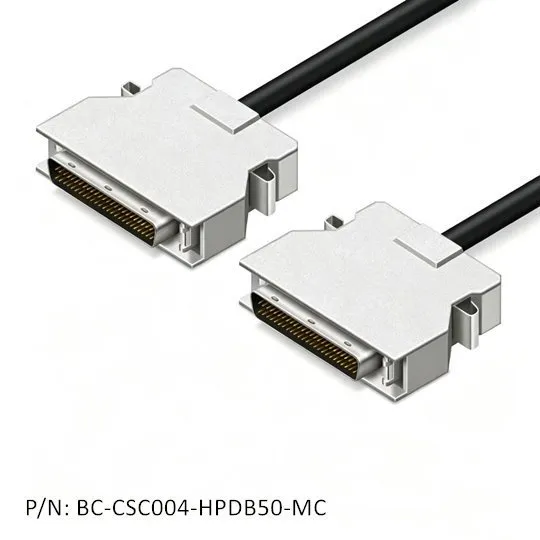
50-Pin SCSI Cable Assemblies: Multiple Runs of One Cable Type
A 50-pin SCSI assembly may look simple, yet connector style, bus type, shielding, conductor layout and termination must all match the host and peripheral. Confirm both ends before choosing a cable.
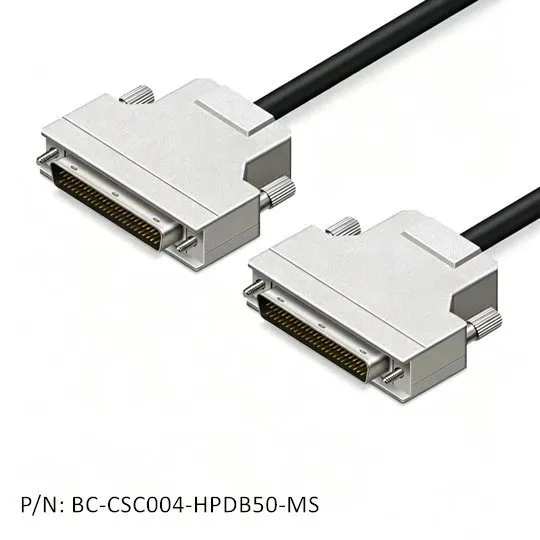
Three Main Families of Connectors
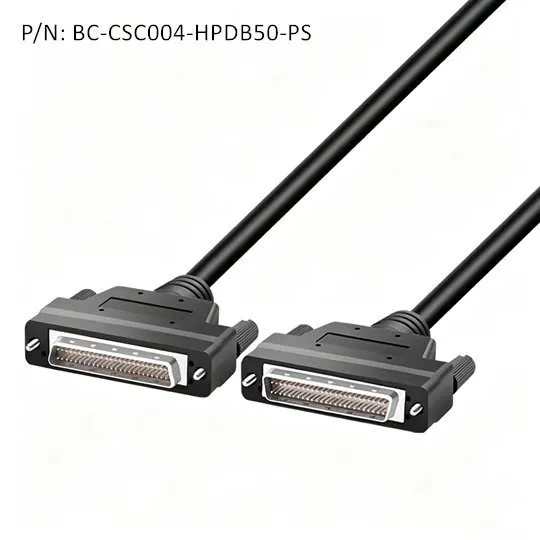
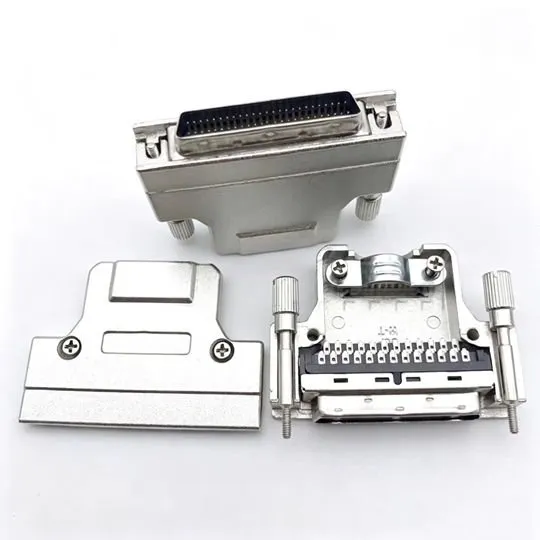
Centronics 50 (CN50), HPDB50 or HD50, and high-performance Centronics variants share a pin count but not the same mechanical interface. Match the physical shell, retention method and gender.
Electrical Properties of 50-Pin Cables
SCSI depends on controlled impedance, paired conductors and consistent grounding. A properly built cable preserves signal timing and limits crosstalk across the complete bus.
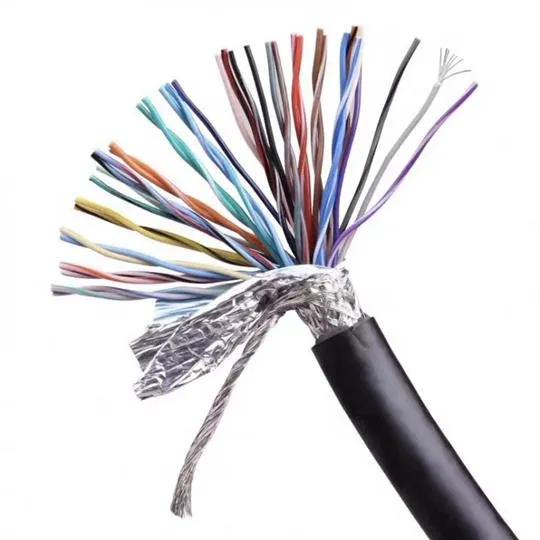
How to Identify a High-Quality Cable
Look for complete shielding, correctly paired signal and ground conductors, robust strain relief, secure latches or screws, and continuity testing for every finished assembly.
Termination: A Major Success Element
The two physical ends of a SCSI bus must be terminated, while devices in the middle remain unterminated. Active termination usually provides greater stability than passive termination.
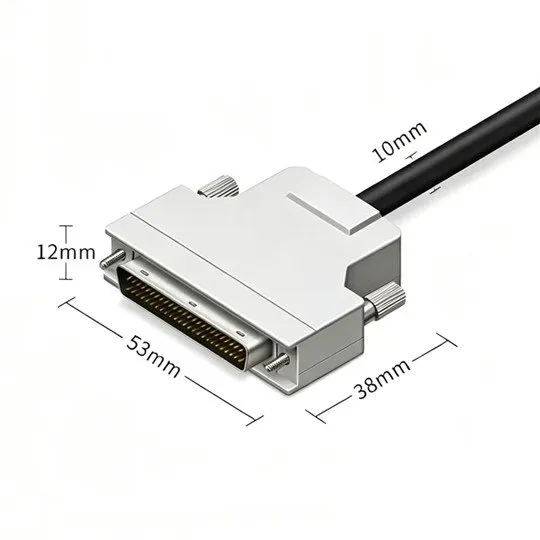
Length, Pinout and Installation
Keep the complete bus within the permitted length, verify straight-through pinout, power down before connecting, secure each connector and avoid tight bends near the backshell.
Practical Applications
50-pin SCSI remains common in tape drives, scanners, external hard disks, medical systems, test equipment and legacy storage arrays where a proven interface must stay in service.
Troubleshooting Common Issues
If a device is not detected, verify SCSI IDs, termination, connector orientation and continuity. Intermittent timeouts often indicate excessive length, weak shielding or a damaged conductor.
Conclusion: The Ideal Connection to Legacy Reliability
Choose by connector, signaling mode, length, construction and termination—not by pin count alone. A tested cable protects both uptime and irreplaceable legacy equipment.